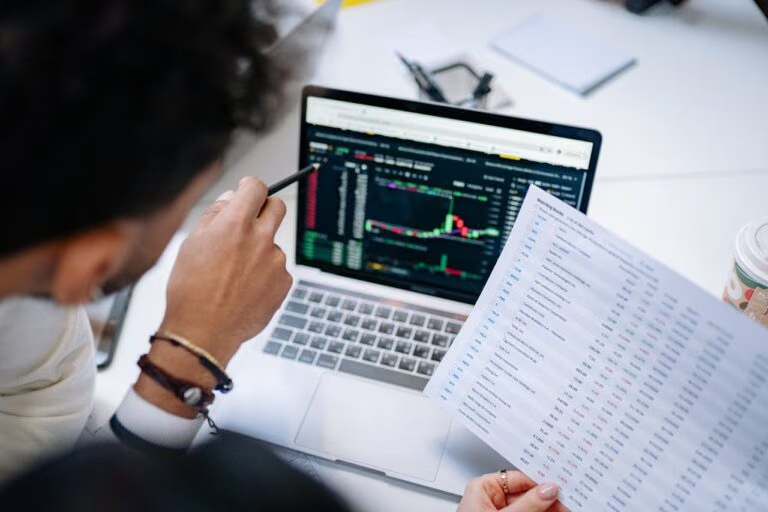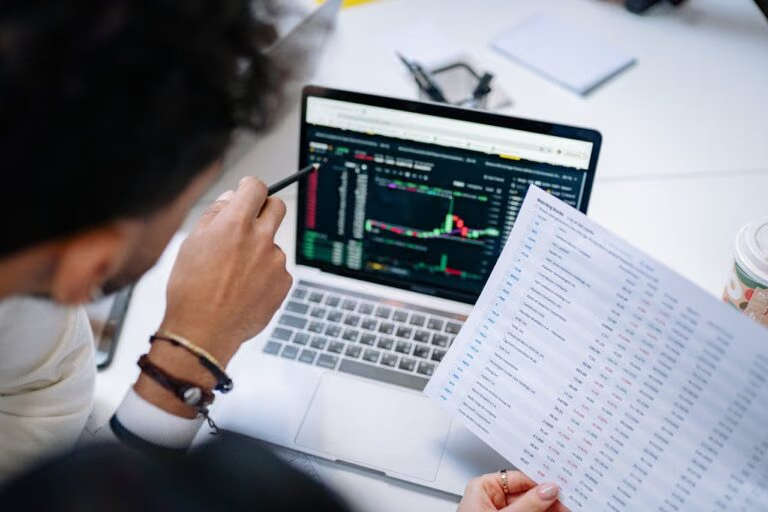
Trading platforms break at the worst possible moment. You're in a position, the market's moving, and suddenly your screen freezes. That's not bad luck. That's a technical problem you should have solved last week.
I've seen traders lose profitable positions to platform lag, glitches, and sync errors. The worst part? Most of these issues are preventable. Here's what actually goes wrong and how to fix it.
CONNECTIVITY ISSUES
Your internet connection is the weakest link in your trading setup. A 50ms lag can mean the difference between a filled order and a slippage disaster. If your Wi-Fi drops during a news event, you're not trading. You're gambling.
Start with the basics. Run a speed test. You need at least 10 Mbps down and 3 Mbps up for stable trading. Anything less, and you're asking for trouble.
Switch to a wired Ethernet connection. Wi-Fi introduces packet loss and latency spikes that kill precision entries. A $10 Ethernet cable is cheaper than the trade you'll miss.
If you're still having issues, check your router's QoS settings. Prioritize trading platform traffic over Netflix and gaming. Your platform should never compete with a YouTube video for bandwidth.
When all else fails, have a backup plan. A mobile hotspot with 5G can save your trade when your main connection goes down. Keep it charged and ready.
PLATFORM GLITCHES AND BUGS
No platform is perfect. But some glitches are actually your fault. Cached data builds up over time and corrupts your platform's performance. A 30-second cache clear can fix issues that feel like "the platform is broken."
Keep your trading platform updated. Developers release fixes for a reason. Running an old version means you're exposing yourself to bugs that have already been solved.
Restart your platform before each trading session. It's not a superstition. It clears memory leaks, resets connections, and gives you a clean slate. Traders who restart daily see fewer mid-session crashes.
If a specific feature keeps breaking, report it with screenshots. Support teams can't fix what they can't see. A good prop firm will take your bug report seriously and escalate it.
DATA SYNCHRONIZATION PROBLEMS
You enter a trade on your laptop. You check your phone 10 minutes later, and the trade is missing. That's a sync failure, and it's dangerous.
Manual sync is your friend. Before you switch devices, force a refresh. Most platforms have a "sync now" button. Use it. Don't trust automatic sync for live positions.
Check that you're logged into the same account on every device. It sounds obvious, but I've seen traders accidentally running demo accounts on one device and live on another.
Update all your devices to the same platform version. A mismatch between an old phone app and a new desktop client can cause data conflicts that take hours to resolve.
SOFTWARE COMPATIBILITY ISSUES
Not every platform works on every operating system. Mac users especially run into compatibility headaches. Before you sign up for a funded program, check what systems the platform supports.
Running a virtual machine or emulator can bridge the gap. But it adds latency. If you can trade natively on your OS, do that instead.
Keep your operating system current. An outdated OS can break platform features that rely on modern security protocols. You don't want to be locked out of a trade because your Mac is three versions behind.
SECURITY CONCERNS
Technical issues aren't always bugs. Sometimes they're security threats. If your platform behaves strangely right after a password change or login from a new device, that's a red flag.
Two-factor authentication is non-negotiable. Enable it. If your prop firm doesn't offer 2FA, that's a bigger problem than any glitch.
Use strong, unique passwords. "Trader123" is not a password. Use a password manager and generate 16-character random strings. Your trading account is worth more than your email. Protect it accordingly.
Never trade on public Wi-Fi. Not at a coffee shop, not at an airport. A compromised network can intercept your trading data and expose your account credentials. Use a VPN if you must trade from a public location.
YOUR TECHNICAL SETUP CHECKLIST
Here's what every funded trader should verify before their next session:
Wired internet connection with 10+ Mbps speed. Platform updated to latest version. Cache cleared. 2FA enabled. Backup connection ready. All devices synced and logged into the same account.
This takes 5 minutes. It saves hours of frustration and potentially thousands in missed opportunities.
Most tech issues in trading aren't the platform's fault. They're the trader's setup. Take control of your environment, and your platform will work when you need it most.
FREQUENTLY ASKED QUESTIONS
What internet speed do I need for funded trading?
At least 10 Mbps download and 3 Mbps upload. Wired connections are strongly preferred over Wi-Fi.
How do I fix a frozen trading platform?
Clear your cache, restart the application, and check for updates. If the issue persists, contact support with screenshots.
Can I trade on a Mac with funded programs?
Most platforms support Mac, but check compatibility before signing up. Some features may require Windows or a virtual machine.
Does SFX Funded offer 2FA?
Yes. Security is a priority at SFX Funded. Two-factor authentication is available on all accounts.
What should I do if my trades aren't syncing between devices?
Force a manual sync on each device, verify you're logged into the same account, and update all platforms to the latest version.
Content on this page is general information only and is not investment advice. Past performance is not a guarantee of future results, and trading involves risk. Every SFX account is simulated capital in a simulated trading environment, provided for educational purposes under the published program rules.
Last updated